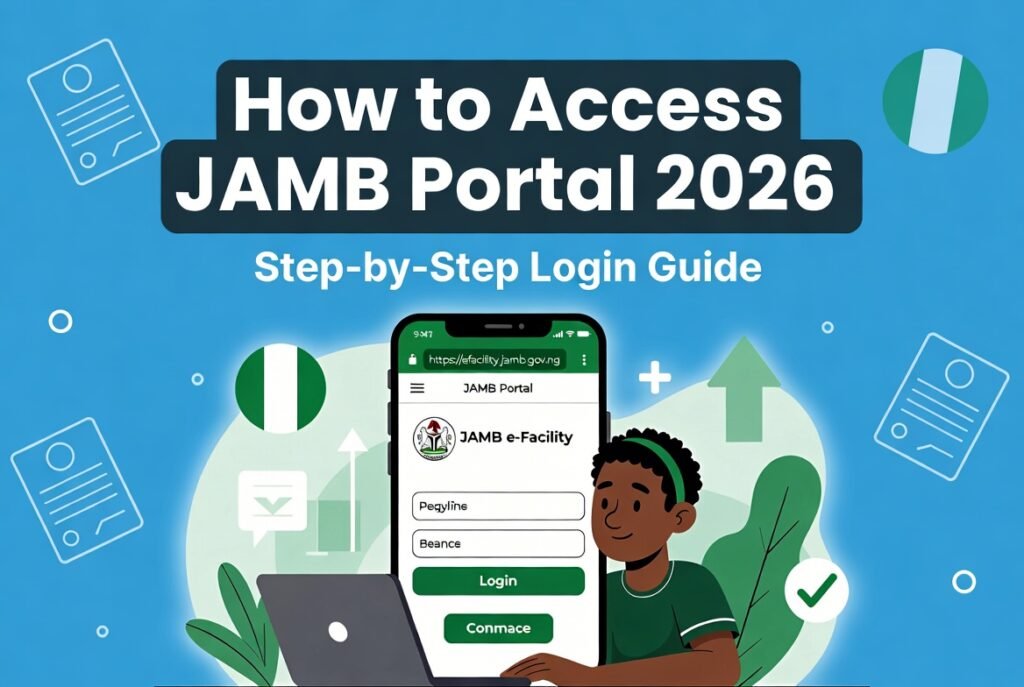
How to access JAMB portal 2026 is the one question every UTME and Direct Entry candidate keeps typing into Google right now, and for good reason.
With Direct Entry registration still open until April 25, 2026, and the main admission processing in full swing, your portal is the single gateway to everything that matters. Miss it and you could watch opportunities slip away.
Advertisements
Picture this: you’ve just finished secondary school, results are out, and schools are already sending offers through CAPS. The portal isn’t some fancy app; it’s your personal command center. Log in once and you control your future.
In the next few minutes, I’m walking you through exactly how to get in, what to do once you’re inside, and the little tricks most candidates never discover until it’s too late. Stick with me and you’ll never feel lost again.
How to access JAMB portal 2026 isn’t just about typing a password. It’s about understanding why the system sometimes fights you and how to win every single time. Let’s dive straight in so you can stop guessing and start acting.
Why Accessing Your JAMB e-Facility Portal in 2026 Matters More Than Ever
The 2026 admission cycle is moving faster than previous years. Direct Entry candidates are already uploading credentials, while UTME candidates who sat for the exam are refreshing their CAPS every hour. Once you’re inside the portal you can:
- Check and accept admission offers instantly
- Reprint your result slip or examination slip
- Update O’level results
- Print your admission letter
- Monitor multiple institutions at once
Leave it too late and you risk missing the 48-hour acceptance window many schools now enforce. I’ve seen students lose their spot in their dream course simply because they couldn’t log in on time.
What You Need Before You Even Open Your Browser
Before you touch a single device, gather these four things:
- The exact email address you used during registration
- The password you created (case-sensitive!)
- A stable internet connection (Wi-Fi beats mobile data for this)
- Your JAMB registration number or phone number as backup
Pro tip: If you registered at a CBT centre, they usually gave you a printout with your profile details. Keep that paper safe. I tell every student I coach to photograph it and save it in Google Drive or WhatsApp starred messages.
Step-by-Step: How to Access JAMB Portal 2026 on Any Device
Here’s the exact process that works right now in April 2026:
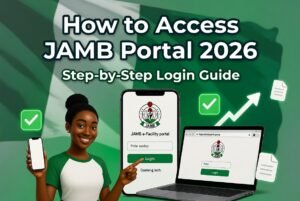
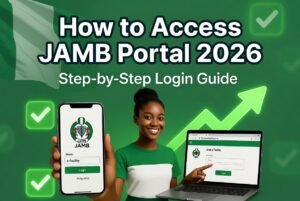
Step 1: Open your browser (Chrome or Firefox recommended) and type https://efacility.jamb.gov.ng/ exactly. Do not use Google search results that might lead to fake sites.
Step 2: On the homepage, click the big “Login” button. You’ll see fields for Email Address and Password.
Step 3: Enter your registered email and password. Click “Login”.
Step 4: If you see a dashboard with your photo and registration details, you’re in! If not, the portal will tell you exactly what’s wrong (wrong password, email not found, etc.).
Mobile users: The site is mobile-friendly. Just pinch to zoom if buttons feel small. Some candidates prefer using the desktop site view on their phone for a cleaner layout.
That’s literally it for most people. But what if it doesn’t work? We’ll cover that in a moment.
Creating a Fresh JAMB Profile If You’ve Never Registered Before
Some Direct Entry candidates or late registrants still need to create an account in 2026. Here’s how:
- Go to the same portal link above.
- Click “Create e-Facility Account” or “Sign Up”.
- Enter your email, create a strong password (mix letters, numbers, symbols).
- Verify your email through the link JAMB sends.
- Fill in your personal details exactly as they appear on your credentials.
- Complete the profile and you’re ready to buy any remaining e-PIN if needed.
Remember, this account is yours for life. Use the same one for future applications.
How to Navigate the Dashboard Once Inside
The moment you log in you’ll see several tabs. Here’s what each one actually does in 2026:
- Check Admission Status: This opens your CAPS profile. This is where magic (or heartbreak) happens.
- Print Result Slip: Free and instant.
- Print Admission Letter: You pay a small fee but only after you’ve accepted an offer.
- O’level Upload: Make sure your WAEC or NECO results are here before any school offers you a spot.
- Matriculation List: The final confirmation that you’re officially a student.
Spend five minutes clicking every tab the first time you log in. Familiarity removes panic later.
Common Reasons You Can’t Access the Portal (And Instant Fixes)
The portal isn’t opening? Don’t panic. These are the top reasons I see every year:
- Wrong email or password (99% of cases). Use the “Forgot Password?” link and reset via the email tied to your profile.
- Network issues. Switch from mobile data to Wi-Fi or vice versa.
- Browser cache. Clear cache or try incognito mode.
- Peak-hour overload. Try between 11 pm and 6 am when traffic is lower.
- Account not yet activated. Some new profiles need 24 hours.
If nothing works after three tries, visit any accredited JAMB CBT centre. They can reset your access on the spot for a small service fee.
Security Tips Every Serious Candidate Must Follow
Never share your login details with anyone claiming to be a “JAMB helper.” Scams are everywhere in 2026. Enable two-factor verification if the portal offers it. Log out after every session, especially on public computers. And always double-check the URL starts with “https://efacility.jamb.gov.ng”.
What to Do Immediately After Successful Login
Don’t just log in and close the tab. Take these actions right now:
- Screenshot your admission status page.
- Check if your O’level results are uploaded correctly.
- Refresh your CAPS every 48 hours (set a phone reminder).
- Download and save your result slip as PDF.
- Note any pending payments or actions required.
Candidates who treat the portal like a daily habit get offers faster than those who check once a month.
Mobile-Only Access: The Quick Phone Hack
Many students only have phones. Here’s the fastest way:
- Open Chrome on your Android or Safari on iPhone.
- Type the portal URL.
- Tap the three dots (top right) → “Desktop site”.
- Login as normal.
The layout becomes much cleaner and easier to read on small screens.
Timeline for 2026: When to Check the Portal Daily
Right now in mid-April 2026:
- Direct Entry offers are rolling out.
- Supplementary lists for UTME are expected soon.
- Some universities have already released first-choice admissions.
Set your phone to alert you every morning at 8 am and evening at 8 pm. Consistency beats luck.
What Happens If You Still Can’t Get In?
If you’ve tried everything and the portal still refuses, head to the nearest JAMB office or accredited centre with your registration number and a valid ID. They have direct access to the backend and can resolve most issues within minutes. Don’t wait online for days hoping it magically fixes itself.
Bonus: Advanced Tips From Someone Who’s Guided Thousands
After watching admission seasons for over two decades, here’s what separates the successful candidates:
- Keep both email and phone number linked to the account active.
- Never change your registered email without notifying JAMB first.
- Screenshot everything before and after any action.
- Join credible WhatsApp or Telegram groups run by verified JAMB officials for real-time alerts (but verify every link yourself).
These small habits have helped students secure spots even with average scores.
Frequently Asked Questions About Accessing JAMB Portal 2026
Q: Can I access the portal without my registration number? Yes, your email and password are enough. The registration number is only needed for some printing services.
Q: Is the portal free to use? Logging in and checking status is completely free. Printing certain documents may attract a small official fee.
Q: What if I registered in 2025 but want to use the account in 2026? Your profile carries over. Just log in with the same credentials.
Q: Can multiple people use one account? No. JAMB ties everything to one unique profile. Sharing details can lead to permanent suspension.
People also read: How to Check JAMB Result Using Phone 2026: Simple Step-by-Step Guide for Any Smartphone
How to access JAMB portal 2026 is no longer a mystery once you follow the steps above. The portal is your lifeline during this admission season. Treat it with the seriousness it deserves and you’ll stay ahead of the crowd.
Take action right now while you’re still reading this. Open the tab, log in, and check your status. The difference between getting admitted and starting over next year is often just a few clicks.
We are an independent educational resource and not affiliated with JAMB, WAEC, or any government institution. All information is based on publicly available data as of April 2026. Always verify the latest details directly on the official JAMB website before taking any action.
Sources:
- Joint Admissions and Matriculation Board Official Website: https://www.jamb.gov.ng/
- JAMB e-Facility Portal: https://efacility.jamb.gov.ng/
- Official announcements on Direct Entry registration timelines and portal access procedures.